Best eSIM for Japan (2026): how much data you need and how to choose
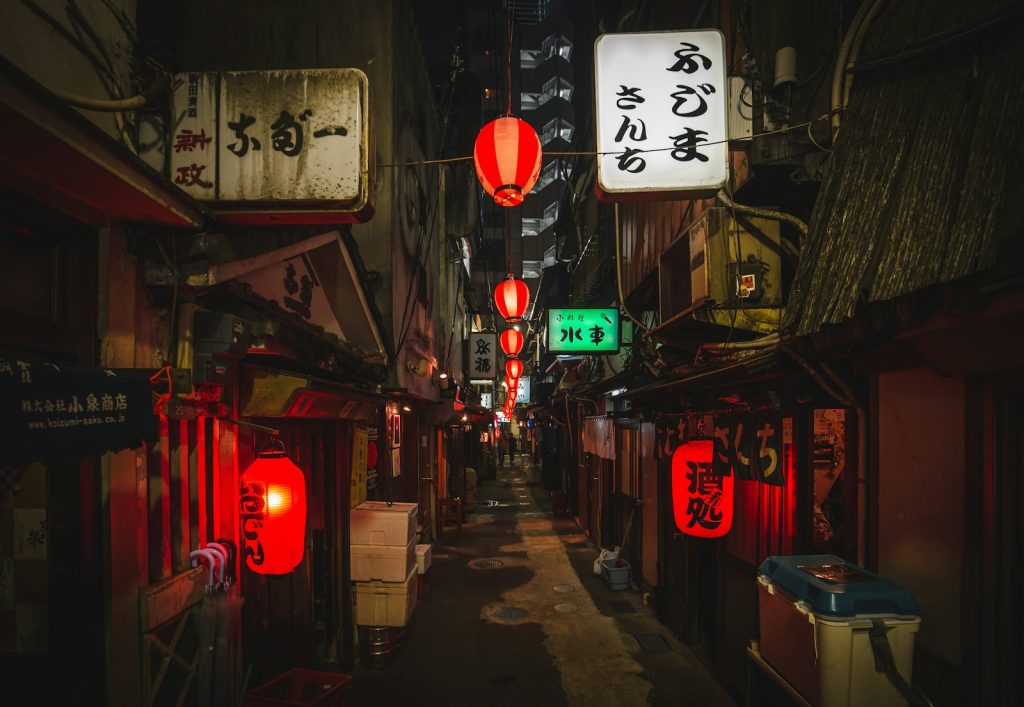
Travelling to Japan is an incredible experience, but getting around Tokyo, Kyoto or Osaka without internet can be a real headache: trains, maps, translators and bookings all depend on your phone. In this guide we explain the best way to get internet in Japan as a tourist, how much data you need, and how to have everything ready before you go with an eSIM.
Why you need internet in Japan
Japan is a country where being connected makes all the difference. The train network is vast, and transport apps tell you exactly which one to take and which platform to head to. What’s more, outside large hotels and stations you won’t always find reliable public Wi-Fi, and many signs and menus are in Japanese only, so your phone’s translator quickly becomes your best friend.
With your own data connection you get real-time maps, messaging with your loved ones, access to your bookings, and the ability to look anything up on the go — all without relying on finding an open network.
eSIM, physical SIM or pocket Wi-Fi: which should you choose?
For a tourist there are three common ways to get connected in Japan. Here’s a quick comparison:
| Option | Pros | Cons |
|---|---|---|
| eSIM | Install it before you leave, nothing physical to carry; immediate connection on arrival | Requires an eSIM-compatible phone |
| Local physical SIM | Works on older phones | Must be bought on arrival and requires swapping your card |
| Pocket Wi-Fi | Connects multiple devices | An extra device to charge and return; must be collected and handed back |
For most travellers with a recent phone, an eSIM is the most convenient option: no admin on arrival, nothing to collect or return, and internet from the moment you land.
To stay connected in Japan without any hassle:
- Choose an eSIM if your phone is compatible (most recent ones are).
- Install it before you leave, using Wi-Fi and at your own pace.
- Activate the data when you land and you’ll have maps and a translator from minute one.
How much data do you need in Japan?
It depends on your travel style, but as a general guide: if you mainly use your phone for maps, transport and messaging, consumption is moderate. If you like sharing your adventure with photos and videos on social media, making video calls, or spending long hours away from the hotel, a larger or unlimited data plan will serve you better.
- Short trip and basic use: maps, translator and WhatsApp use very little data.
- Typical tourist trip: add social media and photos; consumption rises to a moderate level.
- Long trip or heavy use: video, video calls or tethering call for a generous or unlimited plan.
Remember that uploading videos and backing up to the cloud uses the most data. Save those tasks for when you have Wi-Fi at your accommodation.
Do you already have dates for Japan? Browse the connection options and choose the one that best suits your trip in the Roam2Go eSIM shop.
How to activate your Japan eSIM, step by step
- Before you leave: purchase the Japan plan and receive the QR code by email.
- Scan the QR code from your phone’s settings (mobile data or connections section) and name the profile “Japan”.
- On arrival: activate the data for the Japan profile and, if needed, enable data roaming for that profile.
- Check it’s working by opening maps: if they load, you’re connected.
If you set everything up at home, when you arrive you’ll only need to flick a couple of switches.
Tips for saving data in Japan
- Download the maps of the cities you’ll be visiting so you can use them even without a connection.
- Make the most of your hotel’s Wi-Fi for large downloads, updates and backups.
- Download episodes or music in advance that you want to listen to on the train.
- Enable your phone’s data saver so apps don’t consume data in the background.
With these small habits, a mid-range plan usually goes much further than you might expect. If your trip also takes you to China, Hong Kong or Macau, there is a separate guide to the unlimited eSIM for China, Hong Kong and Macau.
Frequently asked questions
Will my phone work in Japan?+
Can I install the Japan eSIM before I travel?+
Will I have coverage outside the major cities?+
Can I share the connection with my partner or family?+
Get your eSIM for Japan
Instant activation · no roaming · 24/7 support